Template kharidne se pehle live preview mein kya check karein?
Phone layout, button destinations, form behaviour aur included files ko systematically check karein. LayoutMint template shortlist ke liye practical buying checklist.
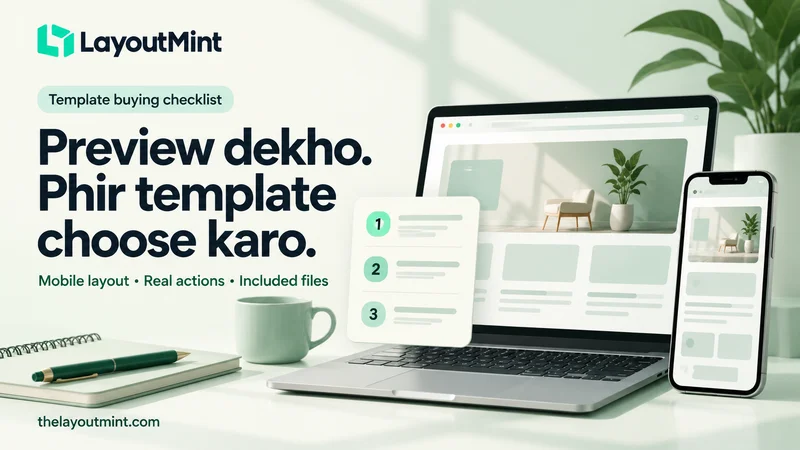
Template ka hero section pasand aana ek achha start hai. Purchase ka poora decision usi screenshot se lena thoda jaldi hoga. Aapko apna content fit karna hai, files samajhni hain aur website ko actual workflow se connect karna hai. LayoutMint ka live preview dekhte waqt sirf colour aur animation nahi, visitor ke basic tasks bhi check karein.
Phone par ek complete journey try karein
Homepage kholein, menu open karein, kisi relevant detail page par jaayein aur contact ka next step dekhein. Text comfortably padh pa rahe hain? Long headings awkwardly toot rahi hain? Menu close karna clear hai? Buttons ke labels se destination ka idea milta hai? Apne actual content ki length bhi consider karein; short sample text ka fit hona aapke long service names ke fit hone ka proof nahi hai.
LayoutMint par desktop, tablet aur mobile preview options available hain. Real phone par final implementation check karna phir bhi useful rahega, especially content replace karne ke baad.
Button ka label aur actual action compare karein
“Book now” button click karne par kya hota hai? Calendar open hota hai, local draft banta hai ya sirf demo confirmation aati hai? A preview mein interaction ka dikhna real booking service connected hone ka evidence nahi hai. Isi tarah cart screen ya checkout layout ka hona live payment processing ka proof nahi hota.
Har product ka scope alag ho sakta hai. LayoutMint product description mein jo included aur excluded features diye hain, unhe apne required workflow se compare karein. Unclear point par purchase se pehle question bhejein.
Included files ko clearly samjhein
Plain HTML, CSS aur JavaScript package aur React source package ki setup needs same nahi hoti. Check karein ki kaunsi technology use hui hai, build step chahiye ya nahi, aur aapki team use edit aur host kar sakti hai ya nahi. Product page par listed prerequisites ko ignore karke sirf visual design choose karna avoid karein.
Page count ke saath page types bhi dekhein. Aapko service details chahiye aur package mein sirf homepage hai, toh additional design aur implementation ka kaam bachega. LayoutMint ka included-files section isi planning ko clearer banane ke liye useful hai.
Images, fonts aur sample copy ka plan banayein
Bundled assets aur third-party assets ke notices padhein. Sample team profiles, prices, addresses ya client names ko apne real business details samajhkar publish na karein. Apne permitted images aur accurate copy prepare karein. Generated illustration ko completed client work ya real customer result ke proof ki tarah use na karein.
License, support aur remaining work note karein
Product-specific license aur support terms read karein. Agar update schedule ya response time promised nahi hai, apni taraf se assume na karein. Hosting, backend integrations, message delivery aur maintenance ka responsibility plan alag note karein. Har template sab services ke saath ready-to-run business system nahi hota.
LayoutMint par final shortlist se pehle ek simple note bana lein: kya included hai, kya customise karna hai aur kya connect karna hai. Is note se design ki choice apne real project ke context mein assess kar paayenge.